Guide · May 5, 2026 · 5 min read
How to move your stock list off Excel without losing your mind
A practical migration path for businesses that rely on spreadsheets but need customers to see current stock online.
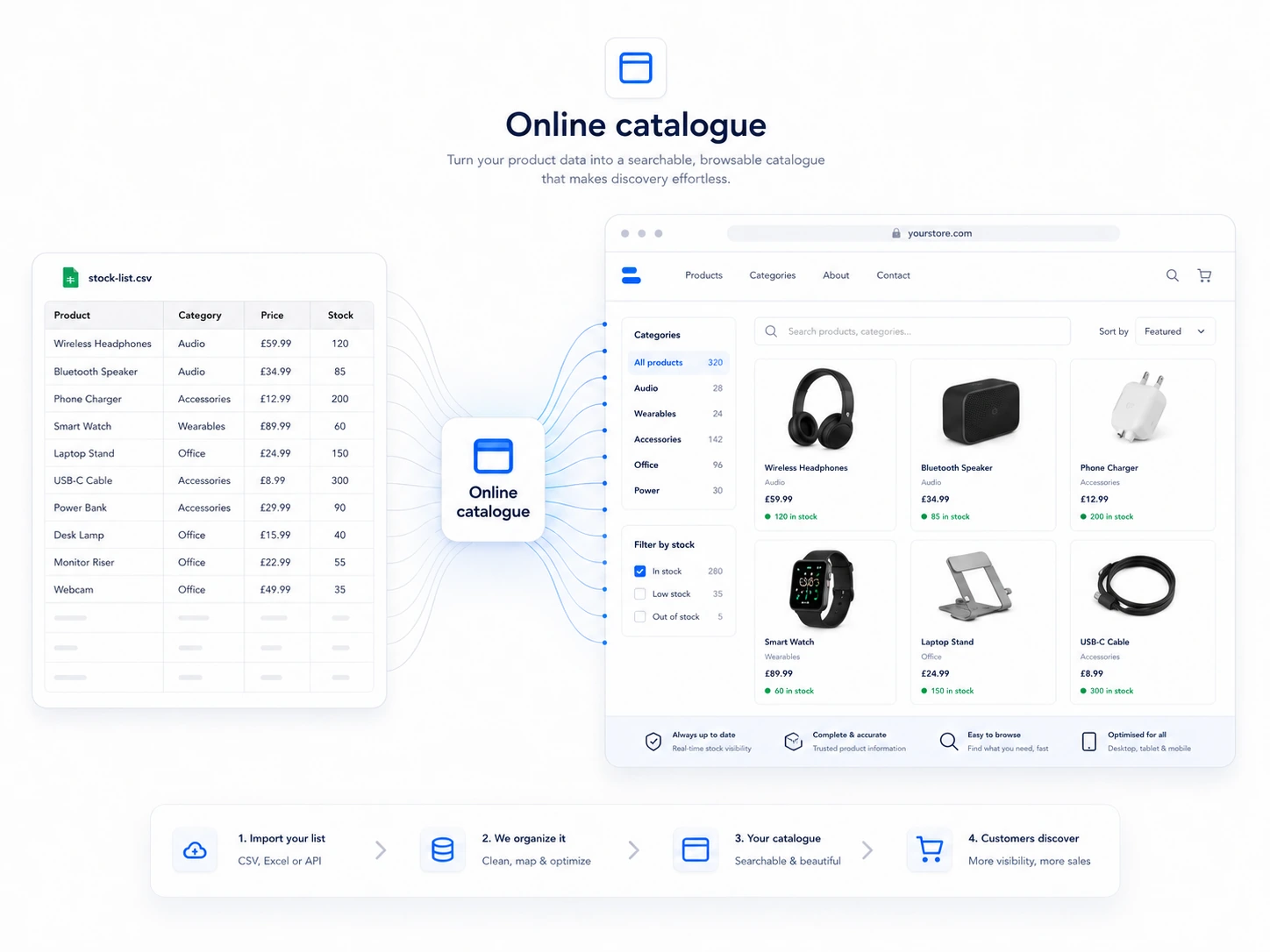
Start with the buying problem, not the software.
If customers currently ask for lists, prices, photos or availability before they can buy, the issue is usually not that the business needs a huge ecommerce rebuild. The issue is that the useful stock information is trapped in a format customers cannot act on.
Map the products that cause the most admin.
Look for the stock that creates repeated calls, unclear enquiries, missed quote details or stale pricing. Those products are the best first candidates for an online catalogue.
Decide which action belongs on each product.
Some products should show prices and allow orders. Others should use price on request, quote requests or controlled access. A good catalogue respects how the business actually sells.
Connect the catalogue to staff habits.
The system only works if staff can update products, stock, photos and order activity without a fragile process. That is why the dashboard matters as much as the customer-facing page.
Related posts
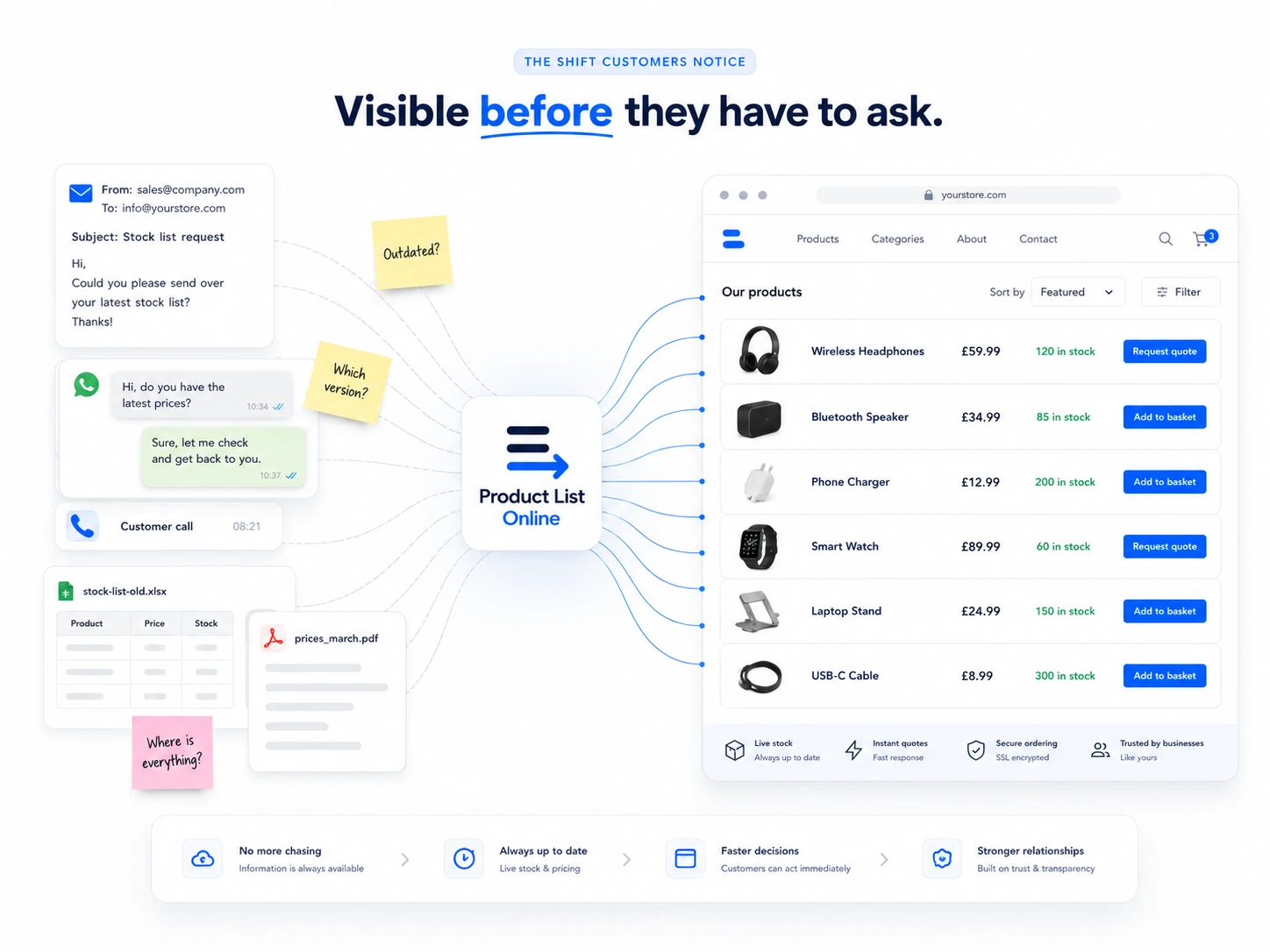
Why your customers hate phoning for prices
Phone calls slow customers down. Here is when to show prices, when to hide them, and how to use quote requests properly.
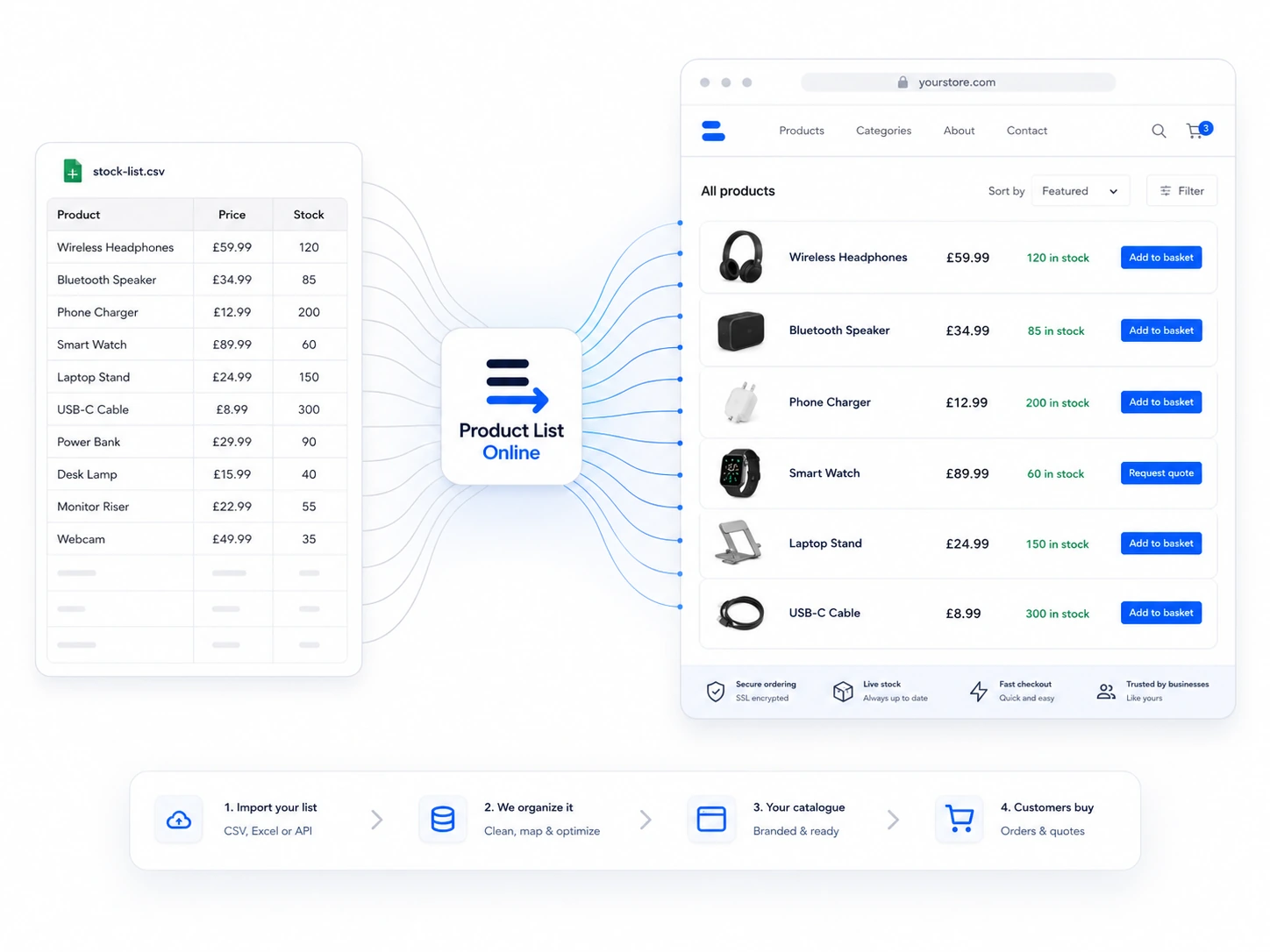
Spreadsheet vs online catalog: the real cost comparison
The spreadsheet may look free, but the real cost appears in missed orders, admin time and customer friction.