Excel stock list to online ordering
Stop sending stock lists. Start taking orders.
Upload your Excel or CSV stock list and get a branded product catalogue on your existing website, with quote requests, optional ordering and staff stock updates built in.
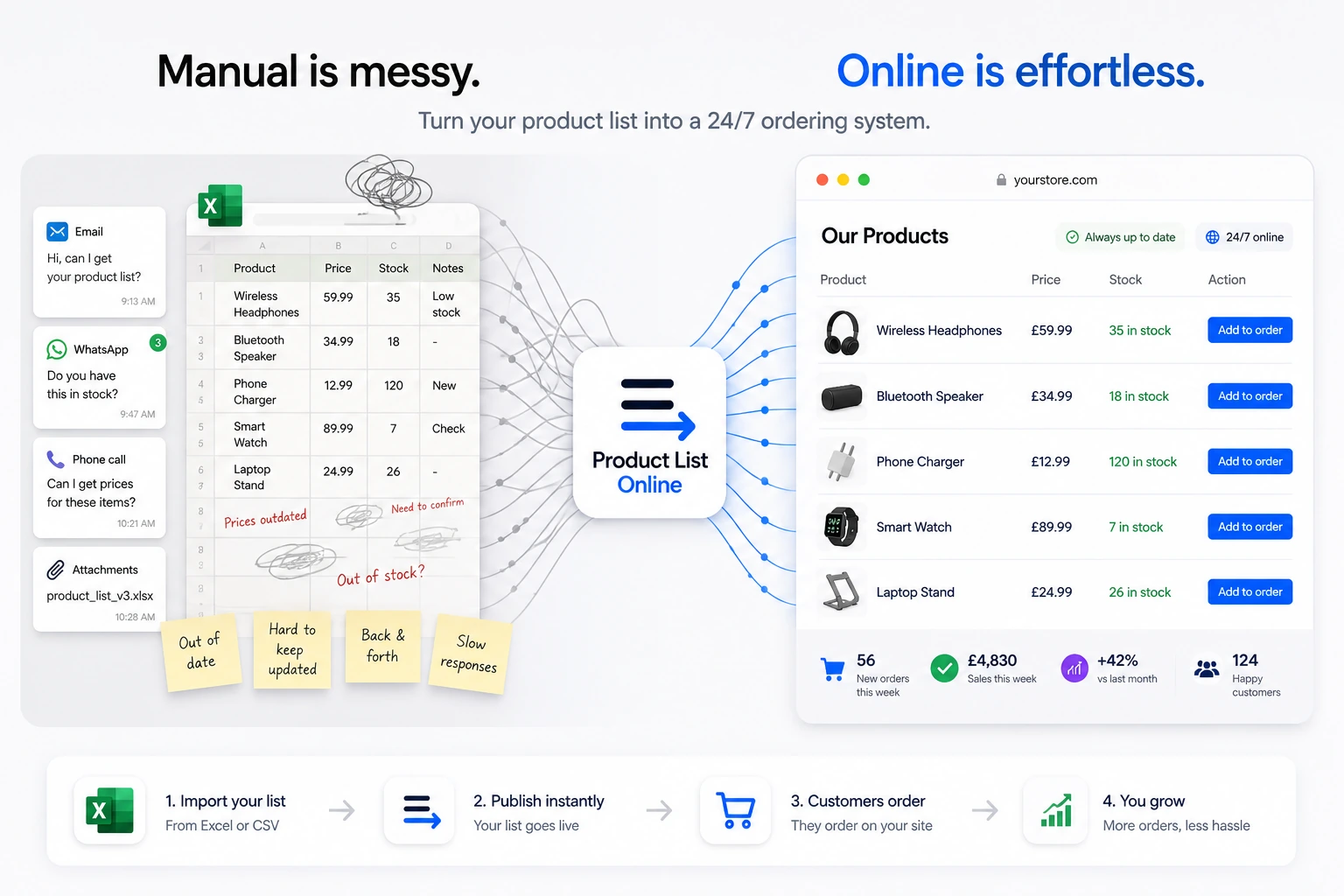
Simple setup, real selling tools
Turn the stock list you already have into a catalogue customers can use.
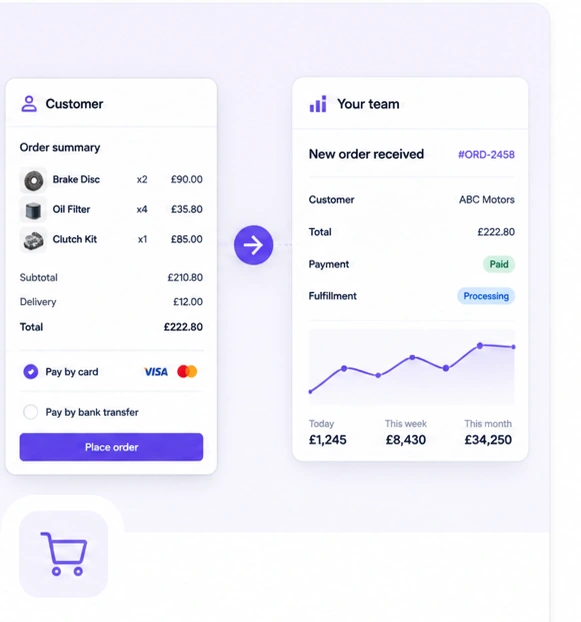
Send over your spreadsheet and Product List Online turns it into a searchable, branded product list on your current website. Customers can see what you sell, request a quote, place an order and get answers without waiting for a new file.
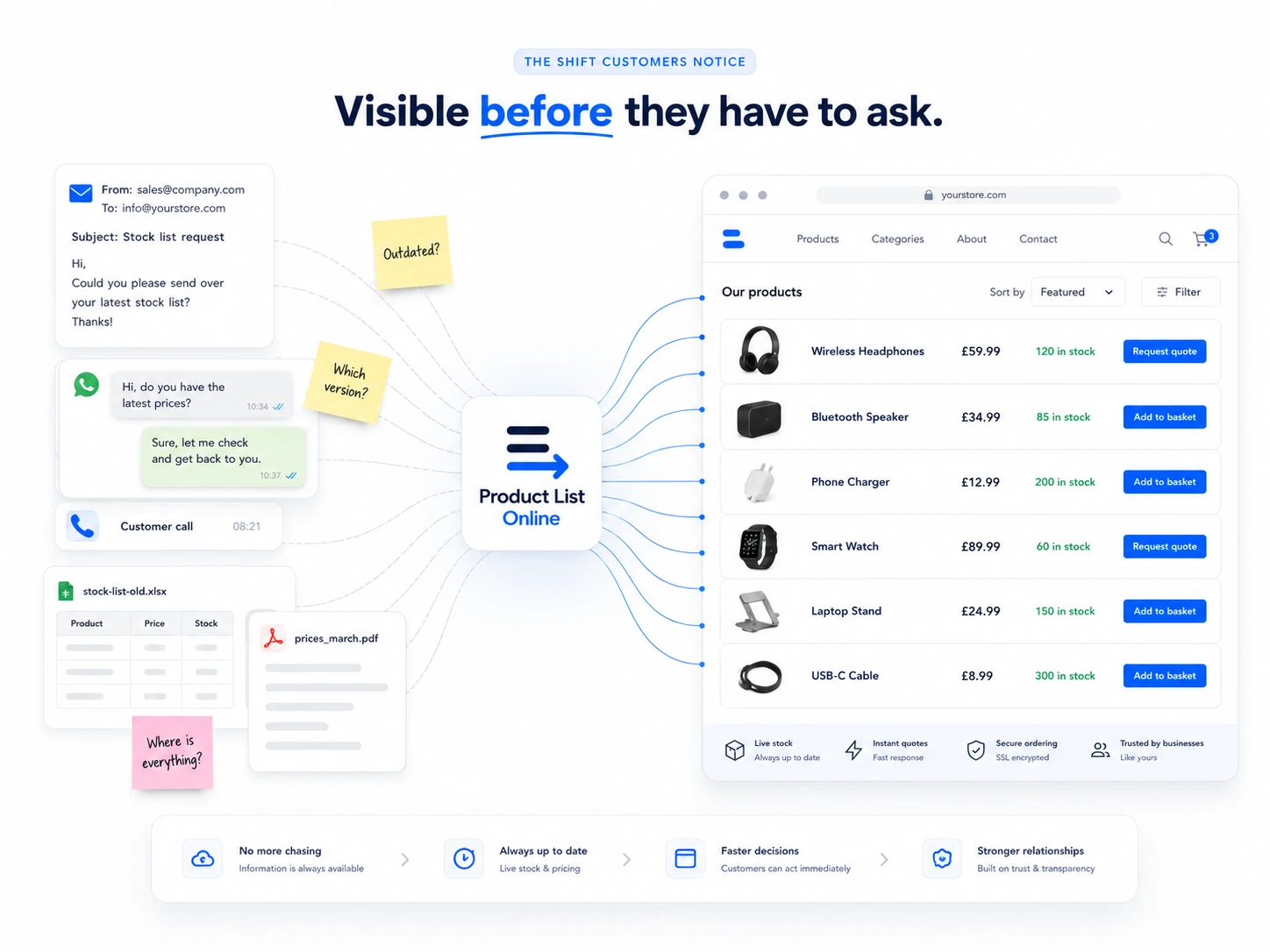
What customers get
One uploaded list becomes a buying experience.
Your internal stock file becomes the customer-facing catalogue, quote basket and order route your website is missing.
Who it is for
Built for businesses where stock changes, details matter and buyers want answers fast.
Every example below links to a specific use case with its own products and buying pattern.
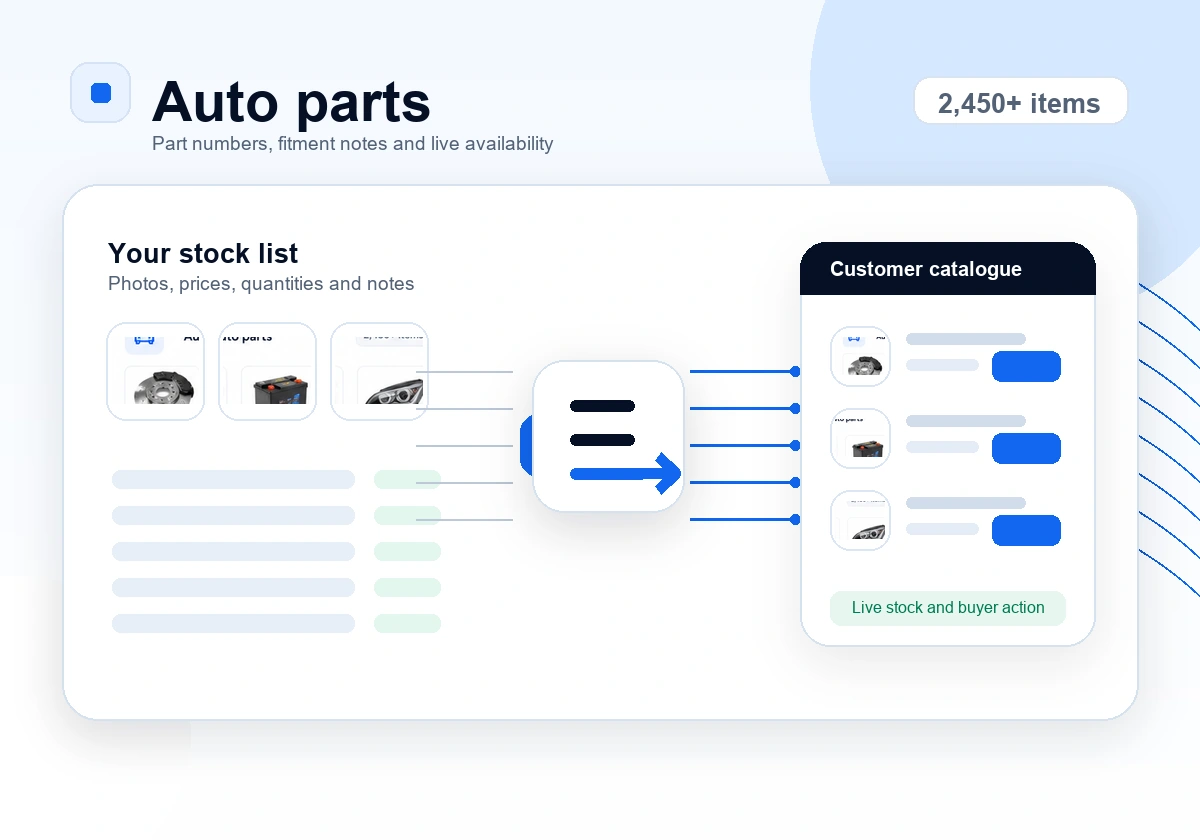
Auto parts
Let trade and retail buyers search by part number, check availability and request quotes without calling the counter first.
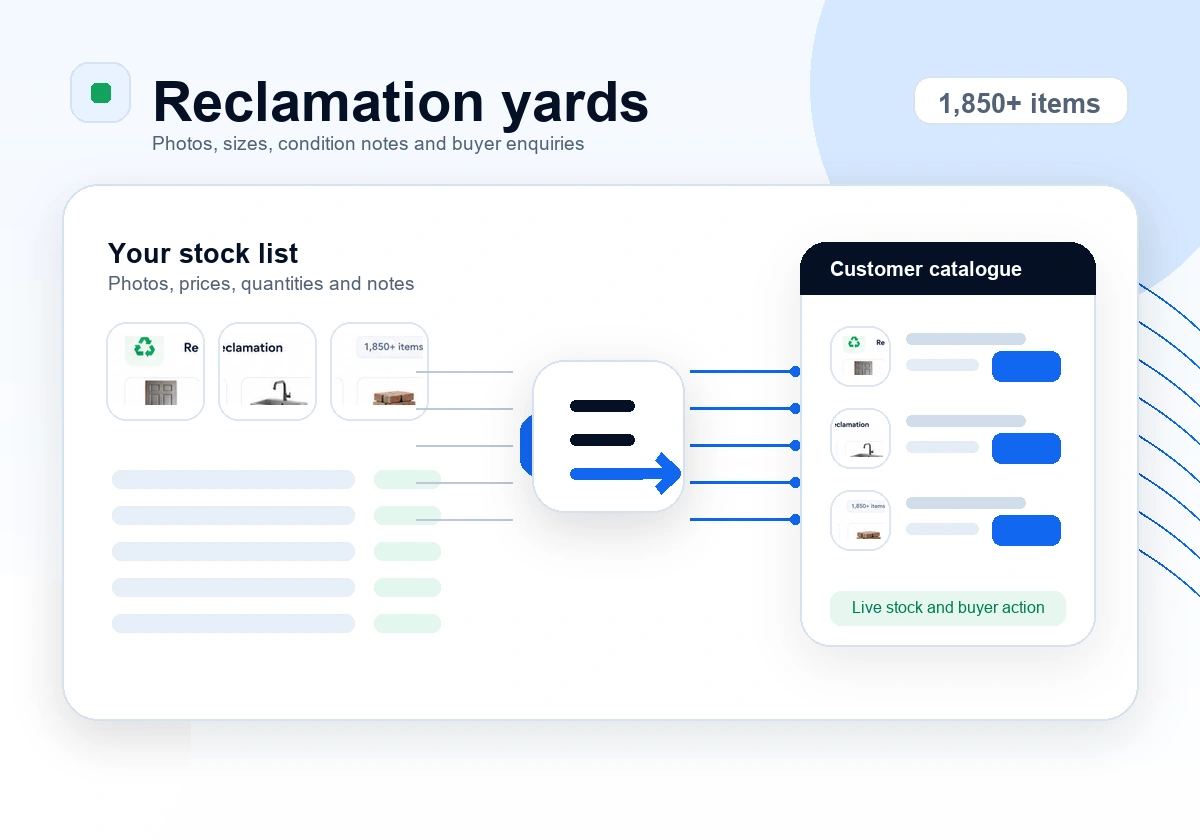
Reclamation
Show changing reclaimed stock with photos, dimensions, condition notes and enquiry options before buyers travel.
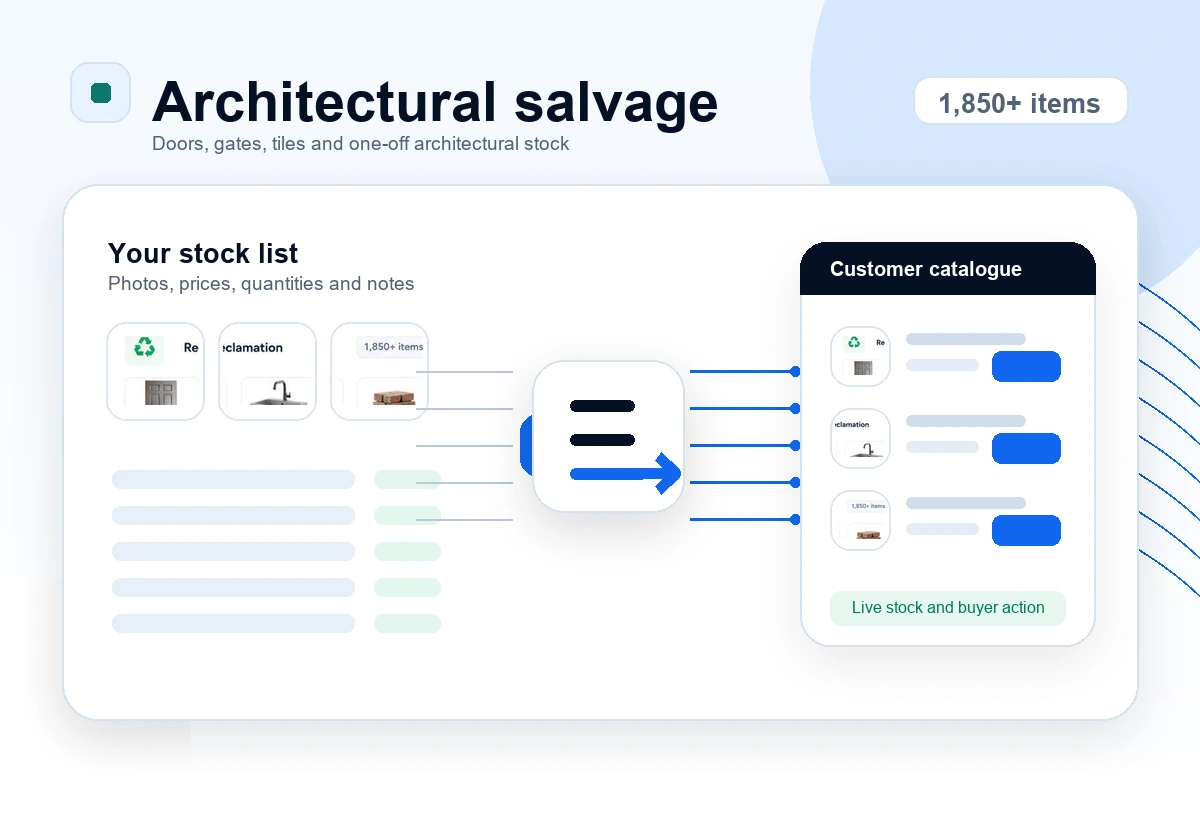
Salvage
Give buyers the detail they need for fireplaces, gates, tiles, doors and one-off architectural pieces.
Antique dealers
Present one-off stock with photos, provenance notes, availability and serious enquiry routes.
Industrial surplus
List machinery, motors, tools and surplus lots with specs, condition, quantity and quote workflows.
Wholesale
Give repeat customers a current catalogue for cases, pallets, bulk lines and customer-specific ordering.
Nurseries
Publish seasonal stock, pot sizes, trade availability and quote requests for landscapers and garden centres.
Tile/stone
Show batches, colours, dimensions, offcuts and stock quantities clearly before a customer visits or orders.
Pallets
Turn fast-changing lots into listings with quantities, photos, minimum orders and quick quote or order actions.
Jewellery
Use private pricing, quote requests and controlled catalogue access for sensitive stock and trade buyers.
Galleries
Show editions, framed options, availability and enquiry routes without manually answering every stock question.

How it works
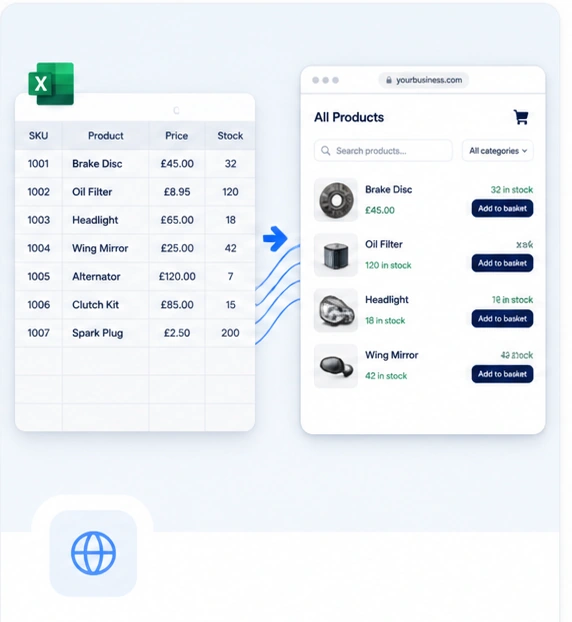
Upload the spreadsheet. We turn it into your ordering layer.
Your team starts with the stock list it already uses. We clean it, structure it, brand it for your existing website and give staff a dashboard to update products, photos, prices and availability as stock changes.
Upload
Send your Excel, CSV or current stock list.
Publish
Get a branded catalogue embedded on your website.
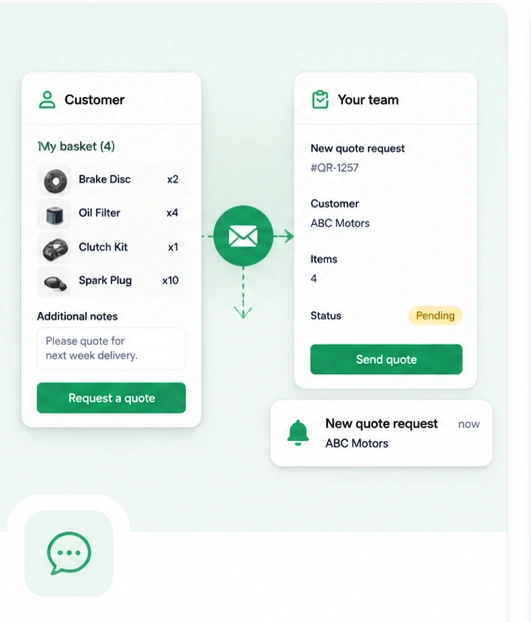
Sell
Let customers request quotes, order or pay online.
Update
Edit stock, prices and photos from the dashboard.
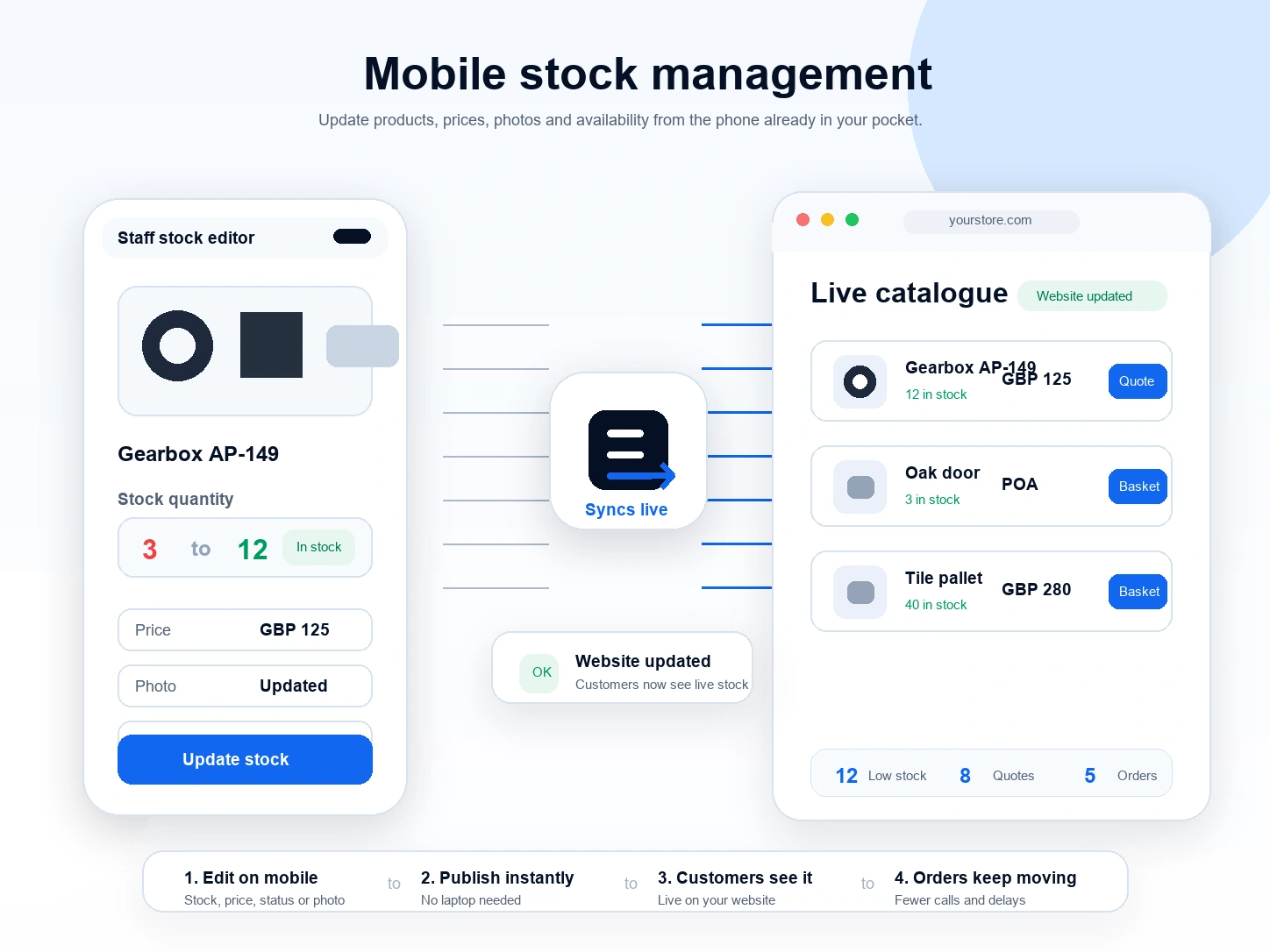
Mobile stock updates
Update stock from your phone before customers ask.
When an item sells, arrives, changes price or needs a new photo, your team can update it from the counter, yard, warehouse or showroom. Customers then see the current catalogue without waiting for someone to resend a spreadsheet.
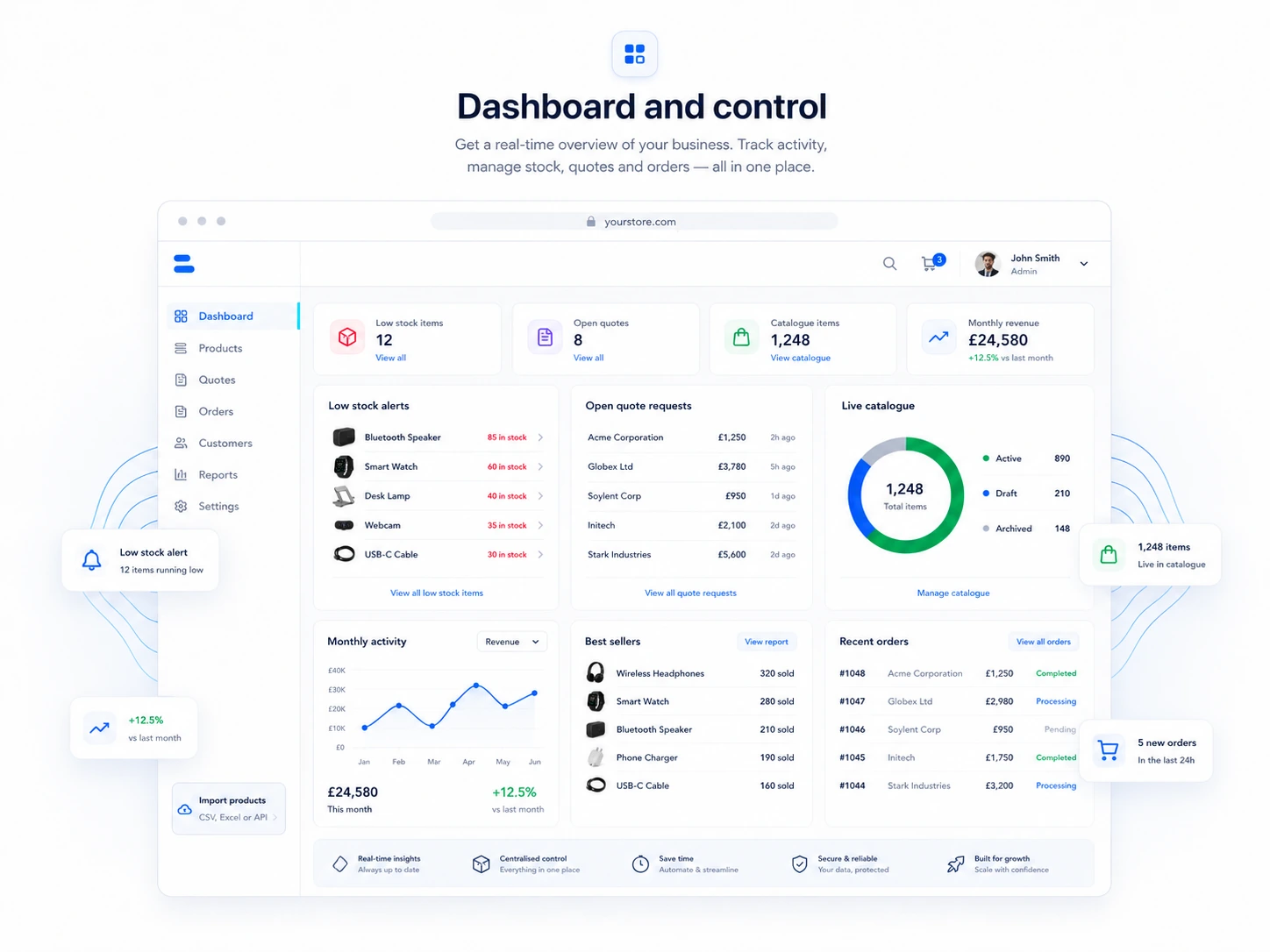
Dashboard and control
Know what is moving, what is low and what needs attention.
Track best sellers, recent orders, quote activity, low stock and sales goals from the same system your team uses to update the catalogue.
Do we need a new ecommerce website?
No. Product List Online is built as a practical catalogue, quote and ordering layer for your existing website.
Can prices be hidden?
Yes. You can show prices, hide them, mark products as POA or use quote requests for sensitive stock.
Can staff update stock?
Yes. Staff can update products, prices, photos, stock and orders from a dashboard.
Can customers order online?
Yes, when you want them to. Ordering and payments can be optional rather than forced onto every product.
Ready to replace the stock-list routine?